workshop
Turn Copilot licenses into Copilot users.
A one-day or two-day, in-person or virtual working session that turns your team from Copilot license holders into Copilot users who actually get measurable work done.
the gap this closes
Most Copilot rollouts flatline within 90 days.
Most organizations roll out Microsoft Copilot, send a launch email, and then watch usage flatline within ninety days. The licenses are paid. The training videos sit unwatched. Leadership starts asking why the AI investment isn’t showing up in the numbers.
This is the gap the Copilot Activation Workshop closes.
the difference
Activation, not training.
Most Copilot training sessions are passive. People show up, watch a few demos, learn a few prompts, then go back to their desk and keep doing work the same way they did before. Nothing changes. That is training.
Activation is different. Inside this workshop, every participant brings their own real work into the room. Their actual emails, their actual reports, their actual decks, their actual data. They use Copilot on that work during the class. By the time they leave, they are already using Copilot on the tasks they will do the next day. The habit has already started. The scenarios are already theirs. They do not have to translate what they learned into action later. They are already doing it.
We do not train people on Copilot. We activate people on their own work — so Copilot becomes part of how they work, not just something they attended a class about.
a recent session
This is what the day looks like.
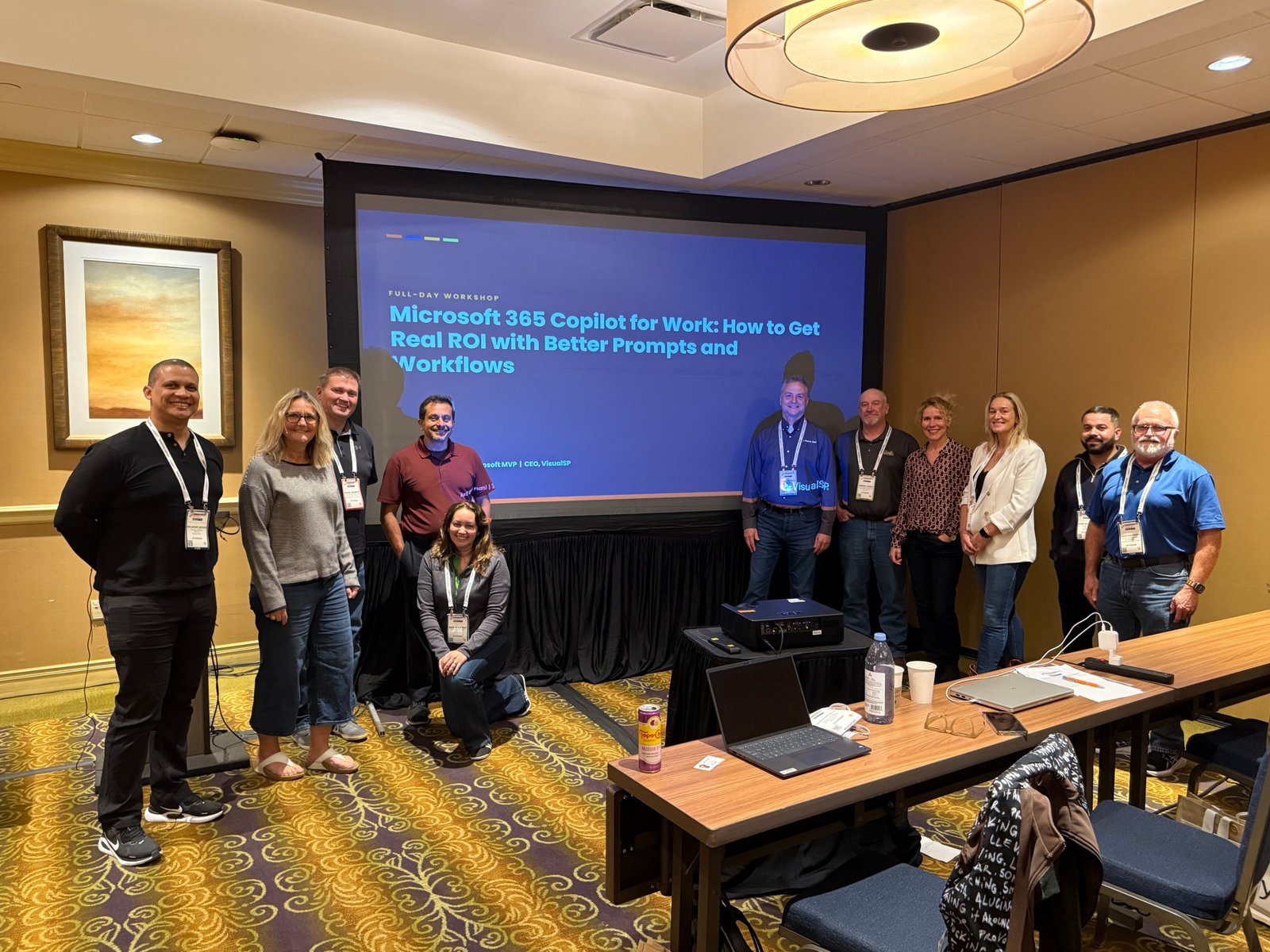
A full day, hands-on from the first hour. Everyone ran prompts on real files, used Copilot inside Word, Excel and PowerPoint, mapped a workflow from their own job, built an agent in Agent Builder, and left with simple rules for using Copilot safely at work. By the afternoon people were helping the person next to them.
the room
Who this is for. How it runs.
Who it’s for
Business users, team leads, internal Copilot champions, IT enablement leads, and adoption owners inside organizations that already have Microsoft 365 Copilot licenses — or are about to roll them out. Built for the people whose job is to use Copilot to do real work, and the people whose job is to make sure their colleagues do the same.
10–30 participants per session. In-person at your office, virtually over Microsoft Teams or Zoom, or a combination of both.
Format
Available as a one-day or two-day engagement depending on how much of the curriculum you want covered and how deep your team wants to go. Both formats are fully hands-on from the start.
Participants are working inside Copilot within the first hour. Heavy on activation. Light on lecture.
outcomes
What you walk away with.
A personal list of five to ten Copilot scenarios mapped to your actual day-to-day work — already running, not theoretical.
A working understanding of every Copilot surface inside Microsoft 365 and which prebuilt agents to use for what.
At least one custom agent you built yourself inside the Microsoft 365 Agent Builder, designed around your real work.
A shared framework across your team for evaluating which Copilot use cases are worth the time and which are not.
A realistic view of where Copilot fails, where it shines, and how to coach your team through the confidence curve every new user hits.
curriculum
What we cover.
Foundations and mindset
The Copilot Confidence Curve and why most rollouts stall. The shift from searching for answers to delegating work. How Copilot grounds itself in your data, your files, your emails, and your meetings. Prompt patterns that produce strong output consistently — and the patterns that waste your time.
Copilot inside Microsoft 365 apps — hands-on
Copilot in Outlook for inbox triage, drafting replies, and summarizing long threads. Copilot in Word for drafting from a blank page, rewriting tone, and summarizing dense documents. Copilot in Excel for analyzing data, generating formulas, and surfacing patterns. Copilot in PowerPoint for building decks from your existing content and refining what you already have. Copilot in Teams for meeting recap, action item capture, and catching up on chats and channels you missed. Copilot Chat as your central hub for working across apps and pulling from your entire Microsoft 365 environment.
Prebuilt agents
How to take full advantage of the prebuilt agents that ship inside Microsoft 365 — the Excel agent, the PowerPoint agent, the Word agent, the workflow agent, the Copilot cowork agent, and the others Microsoft has rolled out. Where each one fits in real work. When to use which. How to combine them across your day so they actually save you hours.
Building your own agent
Hands-on session where participants build their own custom agent using the Agent Builder inside Microsoft 365. Choosing the right use case. Giving the agent the right instructions and the right data. Testing it on real scenarios. Refining it so it works the way you actually think.
We work inside the Agent Builder available in the standard Microsoft 365 environment. We do not cover Copilot Studio in this workshop.
Your scenarios, made yours
The core activation block. Every participant identifies five to ten Copilot scenarios from their own daily and weekly work, then runs each one inside Copilot live in the room. They leave with a working list of scenarios that are already part of their workflow — not a list of things they might try later.
Making it stick
The closing block on momentum. What habits hold Copilot use in place after the class ends. How champions and team leads keep activation going across the rest of the team. What to watch for in the first thirty days.
scope
What this workshop is not.
This is not a technical training on Copilot Studio, Power Platform, Azure AI, Microsoft Fabric, or how to build custom agents inside Copilot Studio. We do not teach developers, architects, or AI engineers in this session.
This workshop does not cover Copilot administration, licensing strategy, tenant security configuration, or DLP setup. If you need any of that, we partner with technical delivery teams who handle the build side and we are happy to refer.
prerequisites
What you need in place before the workshop.
Participants must have active Microsoft 365 Copilot licenses on the day of the workshop. Each participant should bring a laptop with access to their normal Microsoft 365 environment — including Outlook, Teams, Word, Excel, and PowerPoint.
We recommend running this workshop at least thirty days after license deployment so participants have had some initial exposure to Copilot — though we can also run it as a launch event for new rollouts.
your guide
Who delivers the workshop.

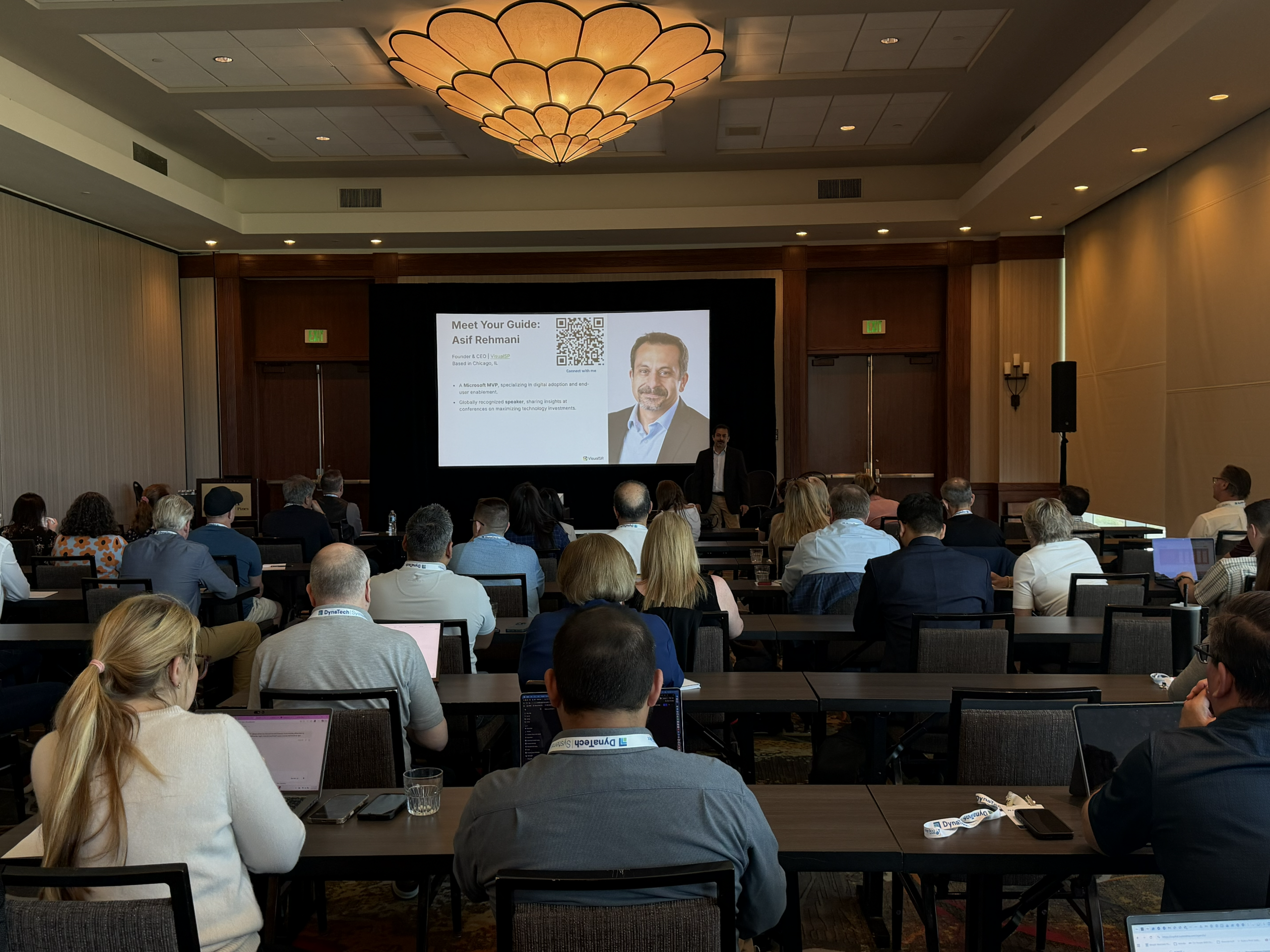
The Copilot Activation Workshop is led by Asif Rehmani — twenty-time Microsoft MVP and founder of VisualSP.
Asif has been working inside the Microsoft ecosystem for over two decades and has been speaking at Microsoft conferences since 2007. He has trained tens of thousands of Microsoft users across enterprise rollouts and built the Copilot Catalyst methodology specifically to solve the gap between Copilot licenses purchased and Copilot work actually getting done.
book a workshop
One or two days. Real scenarios. Your environment.
Your team using Copilot like they mean it.